Motion Computing CL920 Guía de usuario Pagina 32
- Pagina / 66
- Tabla de contenidos
- SOLUCIÓN DE PROBLEMAS
- MARCADORES

- CL920 Tablet PC 1
- User’s Guide 1
- Contents v 5
- Getting Started 6
- Optional features 7
- Security 8
- Overview of the CL920 10
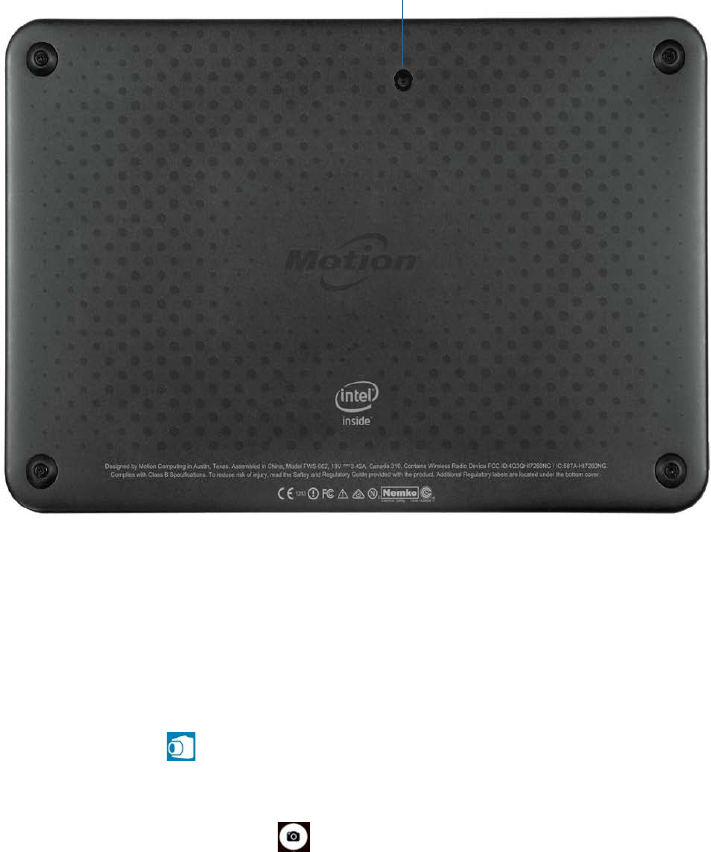
- Documentation camera 11
- Dock connector 11
- Function button 13
- Battery compartment 13
- Optional setup tasks 16
- Attach the pen tether 17
- For more information 18
- Using your CL920 20
- Using Motion Dashboard 21
- Using touch 23
- Configuring touch input mode 24
- Using the touch tuning option 24
- Adjusting touch settings 25
- Adjusting pen settings 26
- Adjusting Tablet PC settings 26
- tools 29
- special keys 29
- Using handwriting recognition 30
- Connect an external monitor 31
- Using the cameras 31
- SnapWorks™ by Motion 32
- Status light 37
- Using the battery 39
- Battery gauge button 40
- Using Bluetooth 43
- Using WinMagic® SecureDoc™ 44
- Using the SIM card reader 45
- Using the SD card reader 46
- Locating your serial number 46
- Backing up your system 47
- Restoring your system 47
- Finding other software 49
- Caring for your CL920 50
- Caring for the display 51
- Caring for the pen 51
- Caring for the tablet battery 51
- Troubleshooting and 53
- Battery issues 54
- Display issues 54
- Touch or pen issues 55
- Ports and connectors issues 57
- Network issues 57
- Bluetooth issues 58
- Bluetooth wireless tips 58
- Audio issues 59
- Frequently asked questions 60
- Numerics 63
Relacionado con productos y manuales para Tabletas Gráficas Motion Computing CL920
 (100 paginas)
© 2020, manymanuals.es. Todos los derechos reservados | 0.028 s |
 Manymanuals.com
 Manymanuals.de
 Manymanuals.fr
 Manymanuals.it
 Manymanuals.pl
 Manymanuals.cz
 Manymanuals.es
 Manymanuals-pt.com
Comentarios a estos manuales